
One session, start to finish
See exactly how a first lesson plays out
You open Typoholic, pick a language, and start reading. Here is the whole first lesson, one screen at a time — with a lot less reading to do.

1
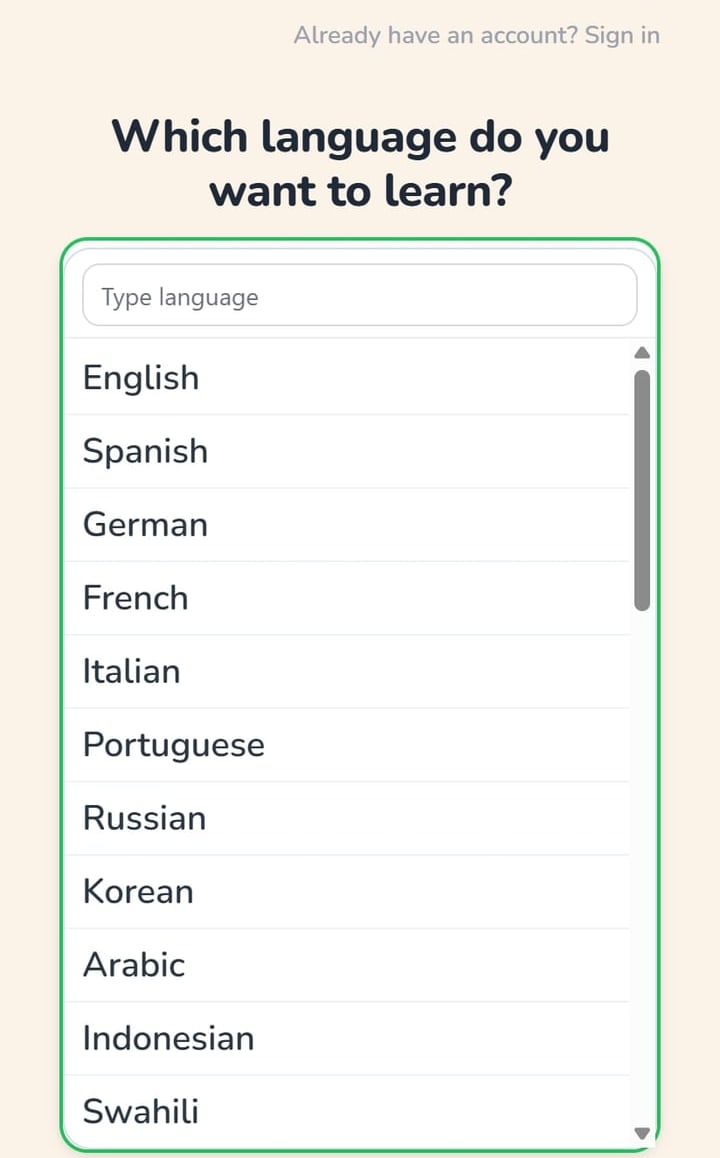
Pick your language
30+ languages, one tap away.
2
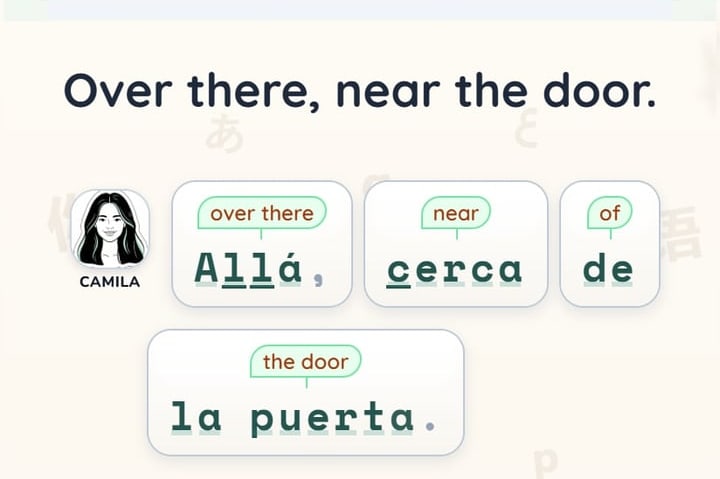
Start reading right away
A short piece of text appears. No setup, no course builder.
3
Tap the words you don’t know
The meaning pops up in place — you never leave the page.
4
Hear it
Native audio is one click away on every sentence.
5
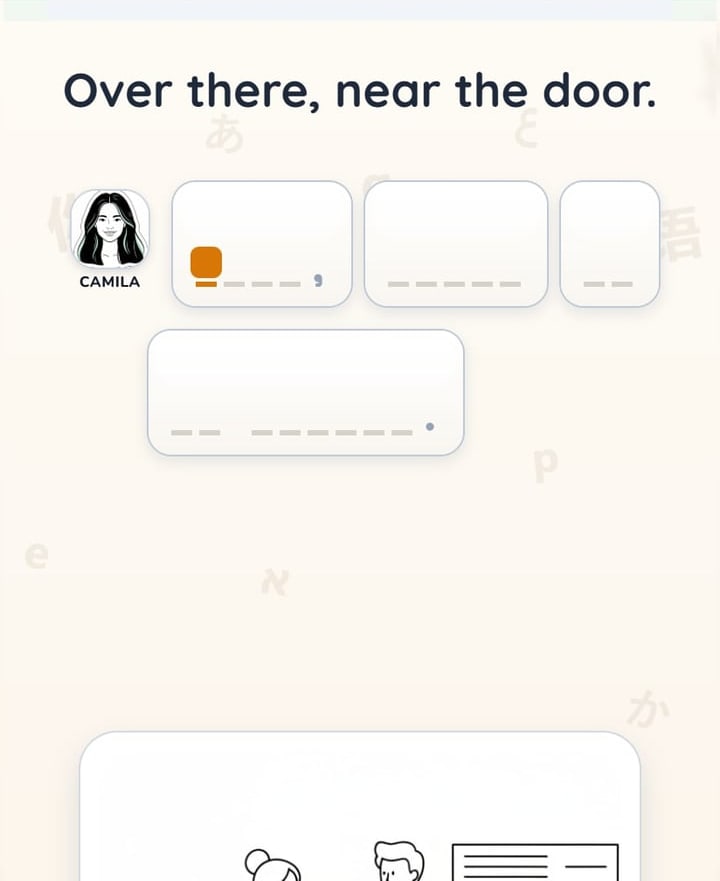
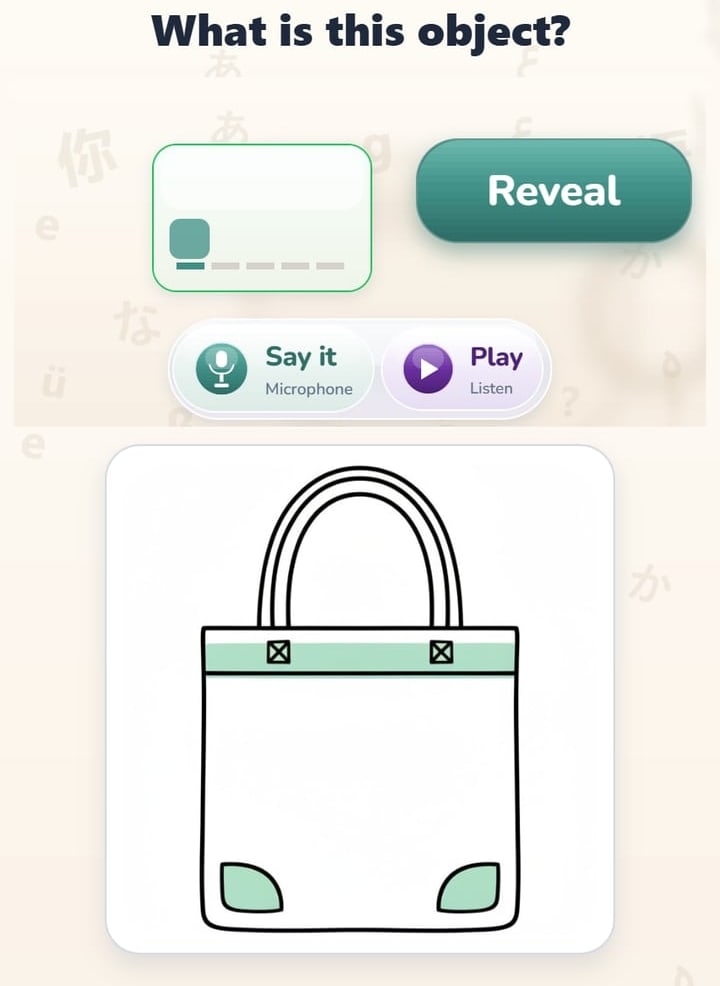
Practice what you just read
Exercises are built from the words you actually met.
6
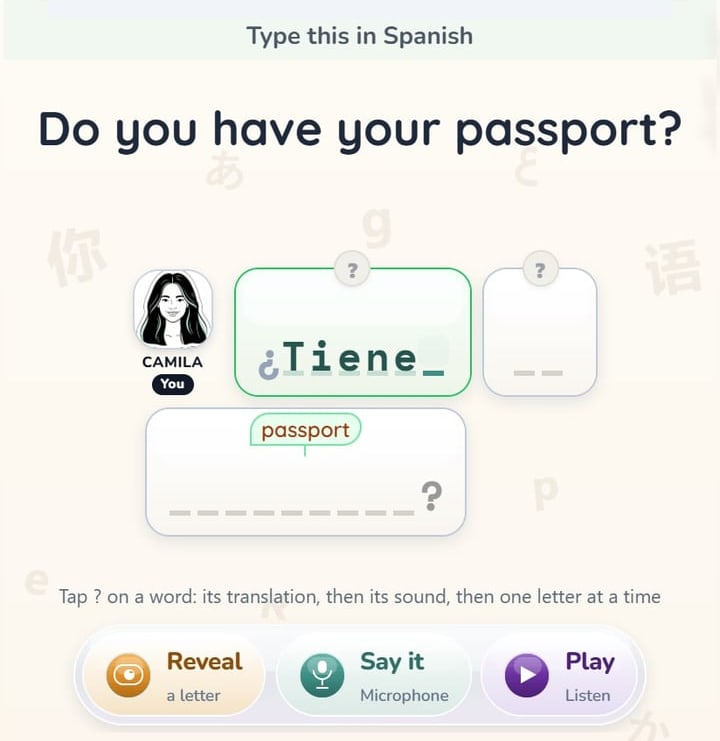
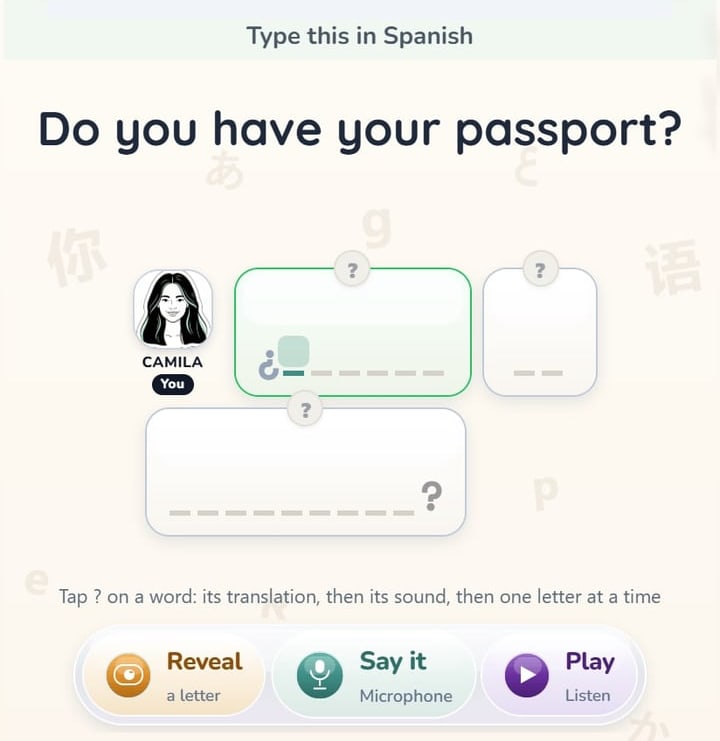
Type from memory
The missing word is hidden — you retrieve it and type it.
7
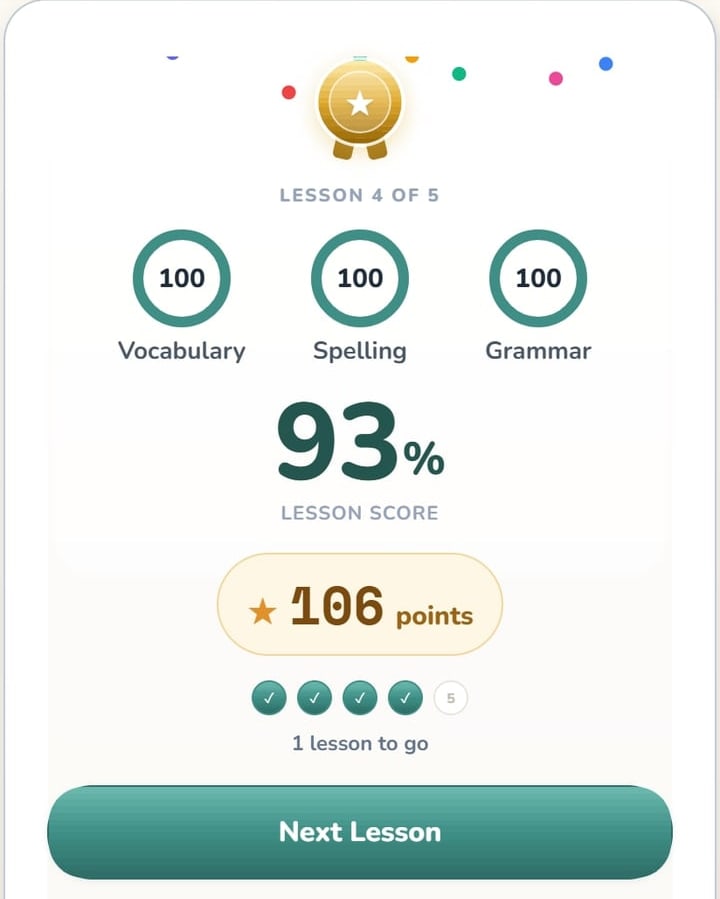
See what comes next
Your answers guide the next sentence Typoholic shows you.
Why it works
- Reading puts every word in a context you see.
- Typing makes you retrieve the word from memory.
- Mistakes become data, and the app adapts to you.



No twenty-minute setup before your first word.